Ox_Lib Redesign: How to Make Your FiveM Server Look Custom-Built
Guides · 3 min read · Published: 2026-08-12 · Updated: 2026-08-12
Load into most FiveM roleplay servers and you'll see the same menus. Same context menu, same list menu, same notification style, same input dialog. That's because most modern ESX, QBCore, and QBox servers run on ox_lib underneath, and ox_lib ships with one default look. Search "ox_lib redesign" and you'll find dozens of YouTube tutorials, GitHub repos, and Tebex listings, which tells you how many server owners have noticed the same thing and gone looking for a fix.
What an ox_lib redesign actually covers
An ox_lib redesign touches every menu built on top of ox_lib at once, not just one. Context menus, list menus, input dialogs, text UI, notifications, progress bars, and the interaction labels ox_target shows when you look at a ped or object. Dozens of resources on a typical server call these same shared functions instead of building their own custom UI, so a redesign at the ox_lib level changes the look of your whole server in one pass instead of one script at a time.
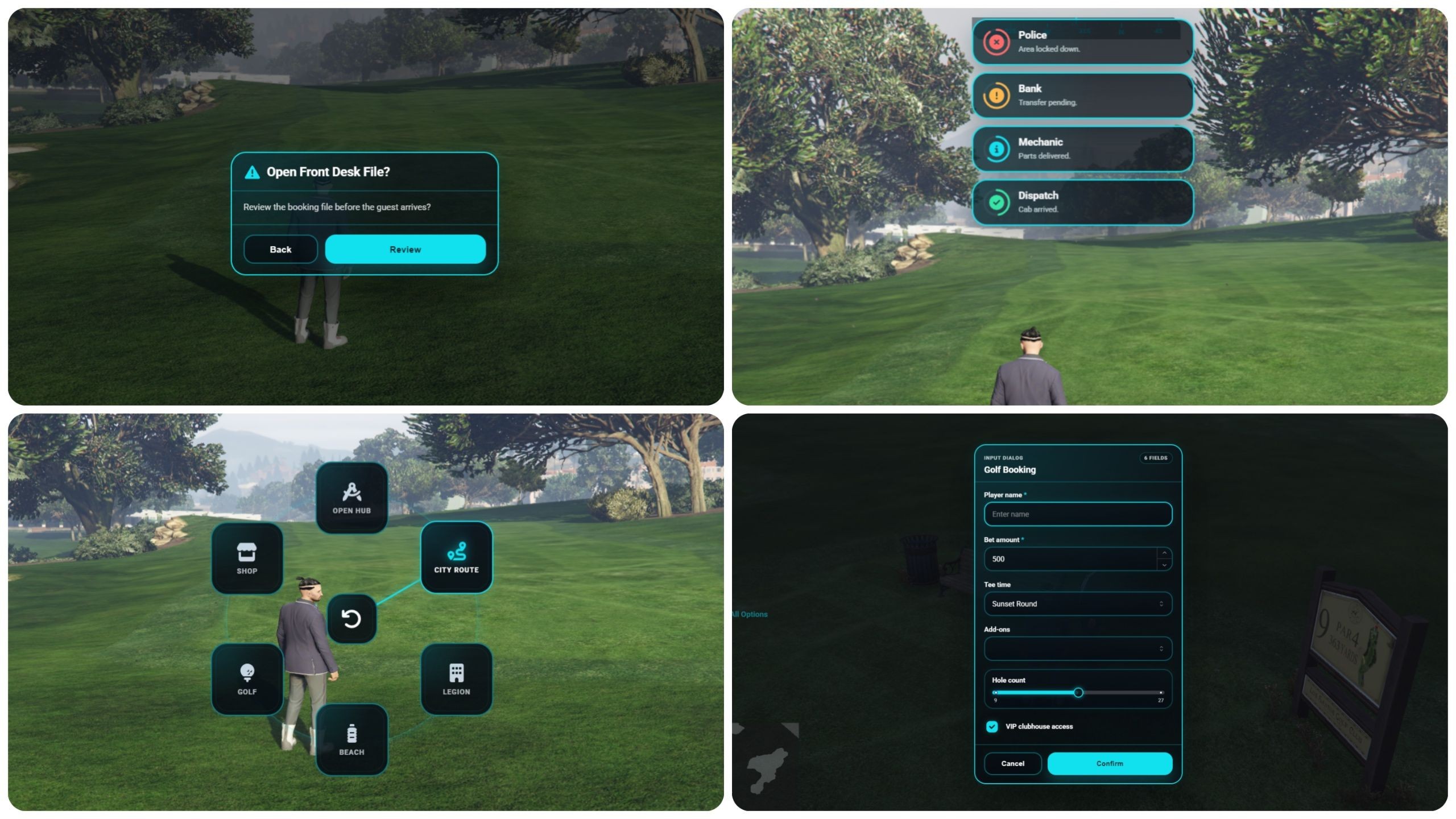
Why you can't just reskin one script
Most FiveM scripts don't draw their own menus. They call ox_lib functions like a context menu or an input dialog and let ox_lib handle the rendering. That's good design on the script author's side, but it means the "menu" you see in a job script, a housing script, and an inventory script is really the same ox_lib component with different content. Reskin the component once and every script that calls it inherits the new look automatically, including scripts you install in the future.
What to check before picking a redesign
- Does it touch ox_lib's core files, or hook in through config and exports? Editing core files directly is the fastest way to break your reskin the next time ox_lib updates. A redesign that works through the exposed config surface survives updates cleanly.
- Framework compatibility: confirm it actually supports your setup, ESX, QBCore, or QBox, rather than one framework with the others as an afterthought.
- Fixed theme or configurable theme? A single hardcoded color scheme is fine if it happens to match your brand. Server-side color config, or an in-game theme editor, is worth more if you want your exact brand color rather than the developer's pick.
- Does it cover ox_target labels too? This is the detail most redesigns miss. Menus get restyled, but the small interaction prompt that pops up when you aim at something stays default, which breaks the illusion the moment a player looks at anything interactive.
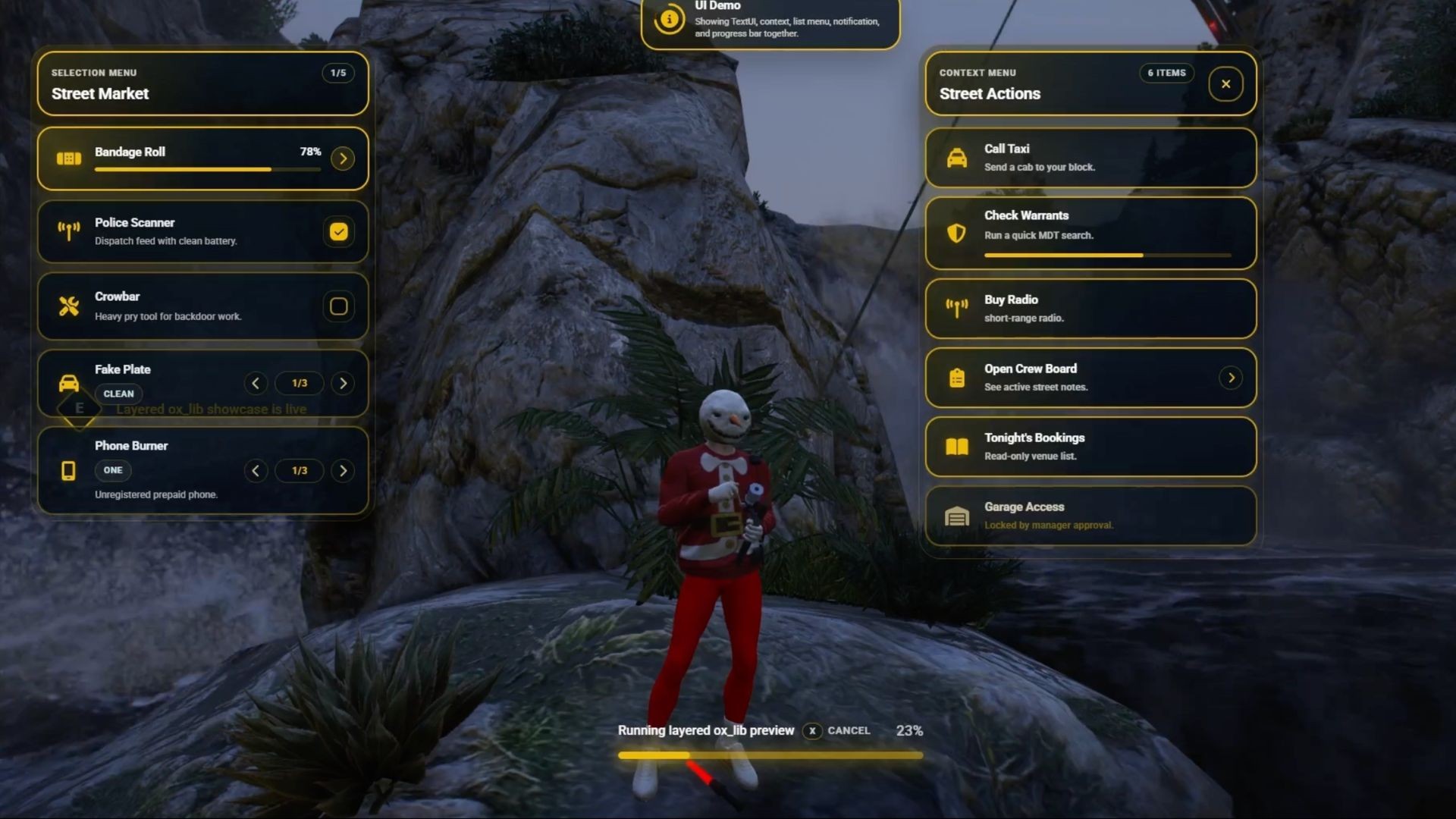
See the Revo ox_lib redesign in action
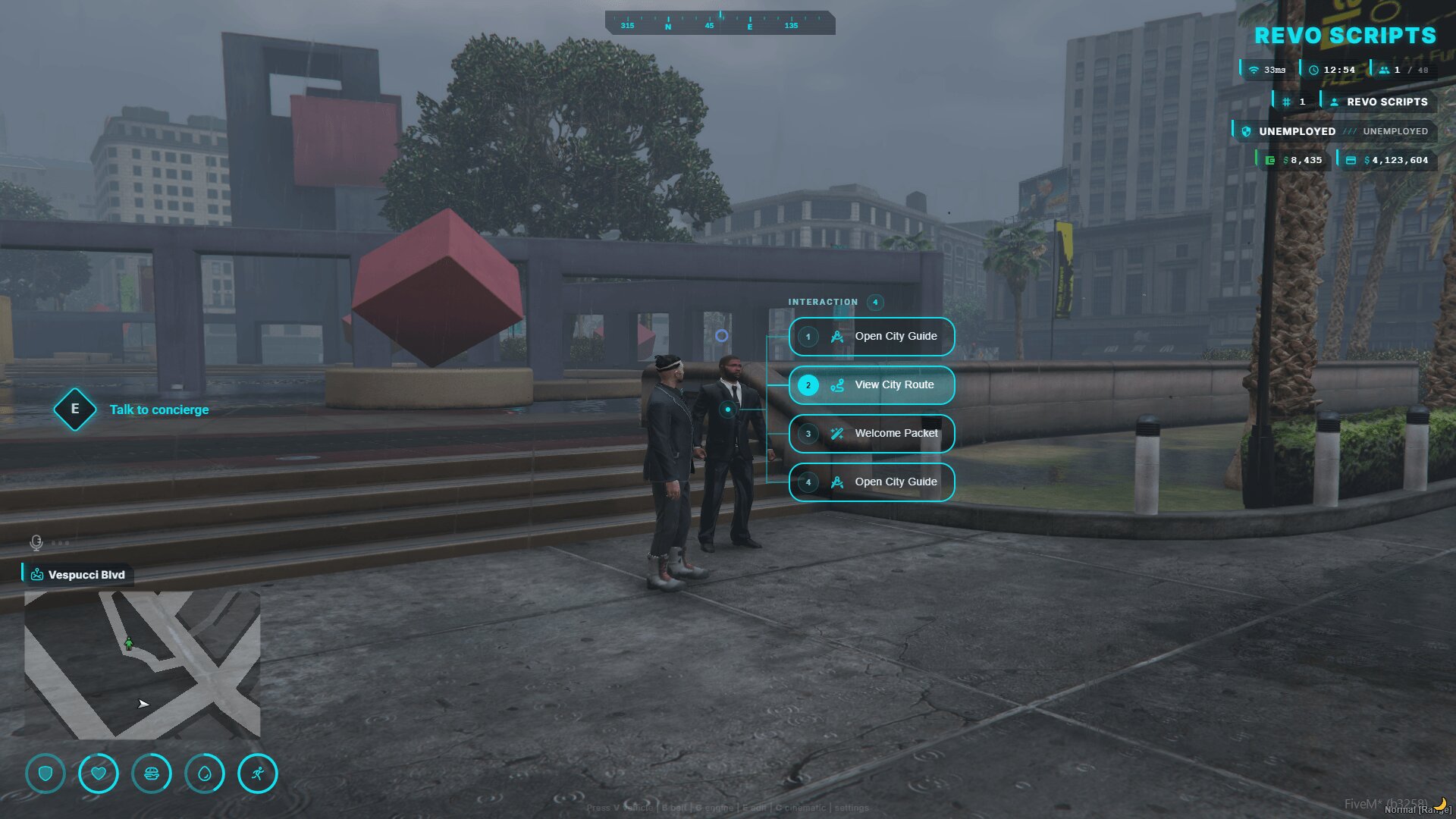
The mistake that breaks redesigns
Editing ox_lib's own Lua or CSS files by hand feels like the fastest way to get a custom look, and it works, right up until you update ox_lib. Your hand-edited files get overwritten, or worse, conflict with the new version and throw errors. Anything you change should go through config values or exports that ox_lib exposes for exactly this purpose, not through direct edits to files you don't own. The whole point of building on a shared library is that someone else maintains the core for you. Edit that core yourself, and you lose that benefit entirely.
Once it's done right, this is one of the highest-leverage changes you can make to how your server feels. A cyan HUD, a themed context menu, and interaction labels that all read as "your server" rather than "a server running ox_lib" cost one integration instead of dozens of individual script edits, and it keeps working automatically as you add more resources later.